Empower people, Enable participation
Mainio Tech provides modern, effective solutions for participation and collective decision-making. We are a team of participation experts at your service!

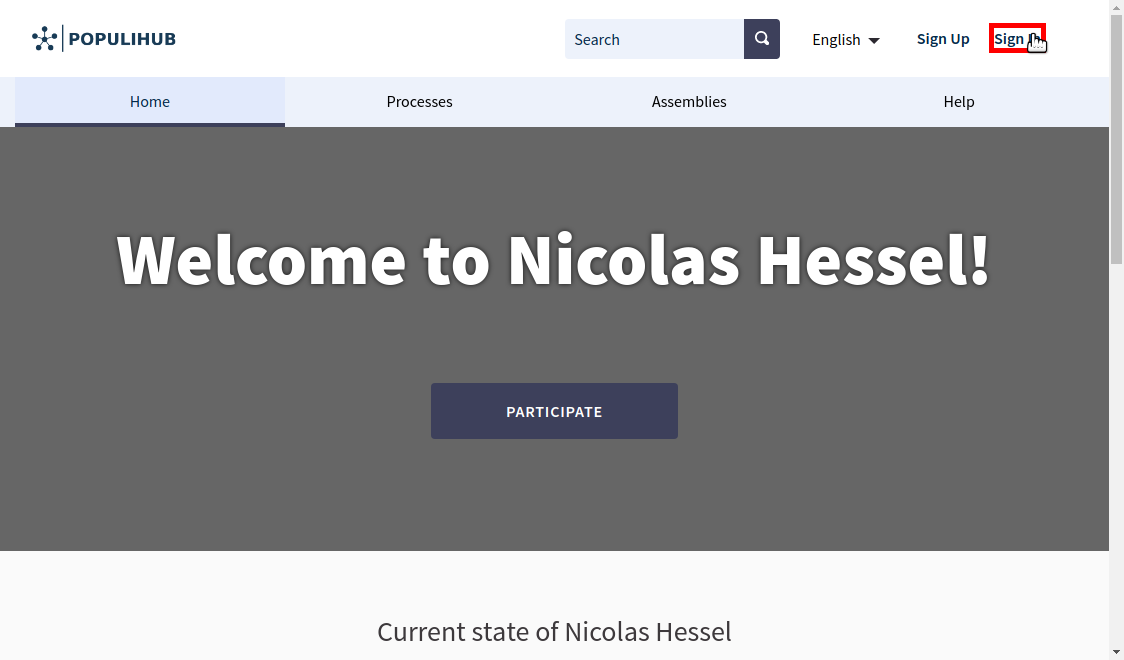
When you want to access the features of the system as a participant or an admin, you have to authenticate yourself. This is done through the "Sign in" -link which can be found in the upper right corner, which is presented in the image below.
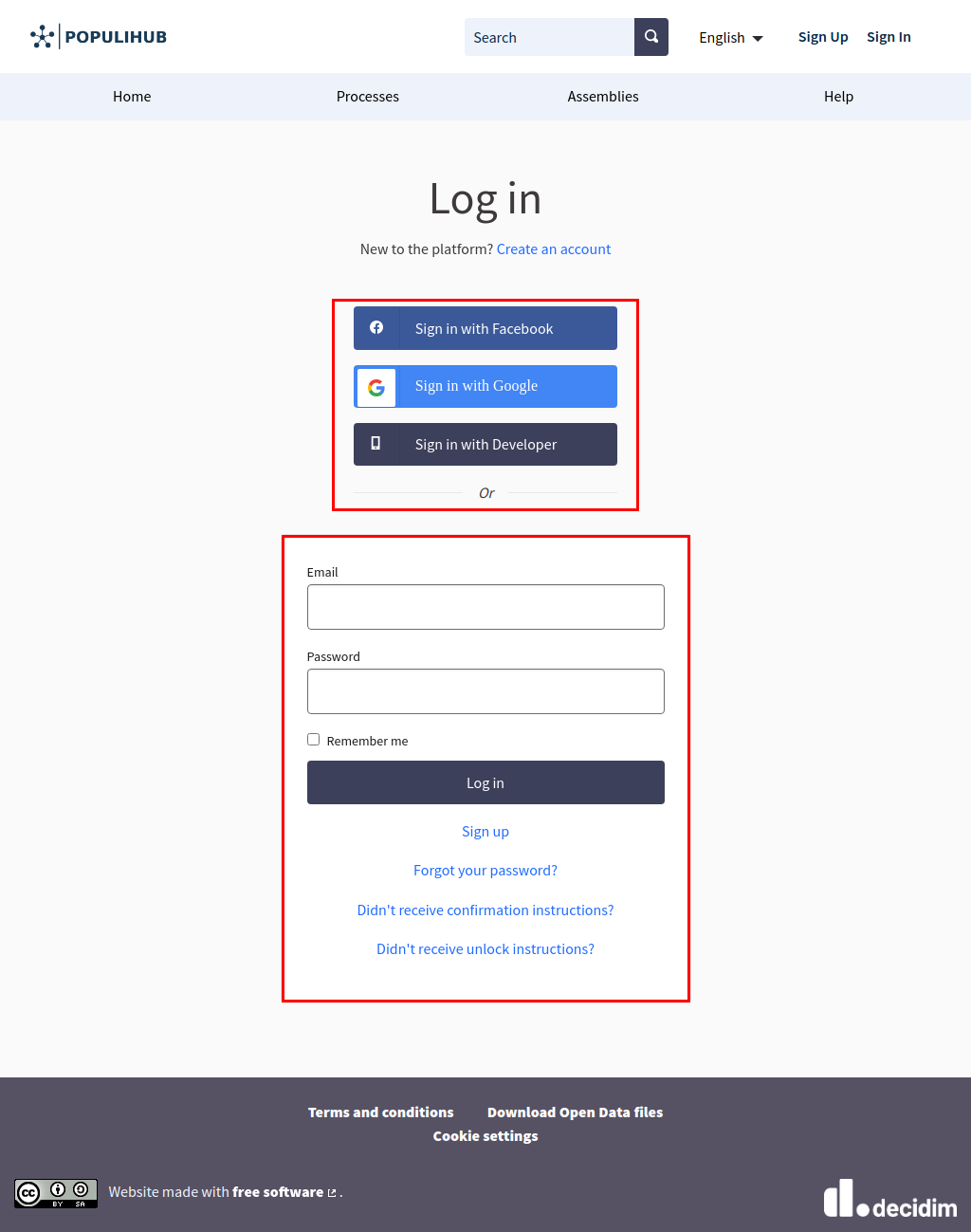
You can sign in to the system with your personal account info for Decidim, or by using your personal Facebook- or Google -account, if the email address to those accounts match the one in Decidim. If you have created your Decidim account with a username and a password, you can still sign in using your Facebook- or Google -account as long as they share the same email address.
All-in-one digital platform for all your participation needs. Easy-to-use and reliable, so you can spend more time engaging with people.

Mainio Tech provides modern, effective solutions for participation and collective decision-making. We are a team of participation experts at your service!