Empower people, Enable participation
Mainio Tech provides modern, effective solutions for participation and collective decision-making. We are a team of participation experts at your service!

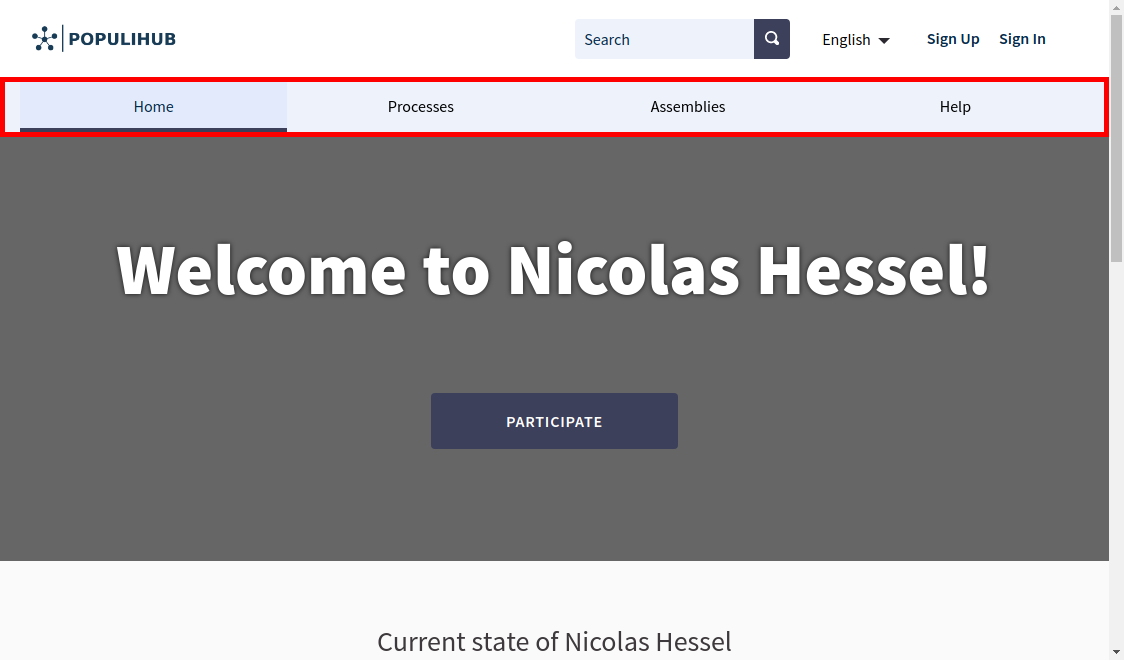
You can navigate the system from the navigation bar on the top of the page. The navigation bar shows all the main sections which lead you to the features of the system. There are three sections by default:
If "assemblies" are in use, this section is also listed in the navigation bar. After the first assembly is created, it will be shown.
Navigation bar is presented in the image below. Assemblies are also listed in the image.
All-in-one digital platform for all your participation needs. Easy-to-use and reliable, so you can spend more time engaging with people.

Mainio Tech provides modern, effective solutions for participation and collective decision-making. We are a team of participation experts at your service!