Empower people, Enable participation
Mainio Tech provides modern, effective solutions for participation and collective decision-making. We are a team of participation experts at your service!

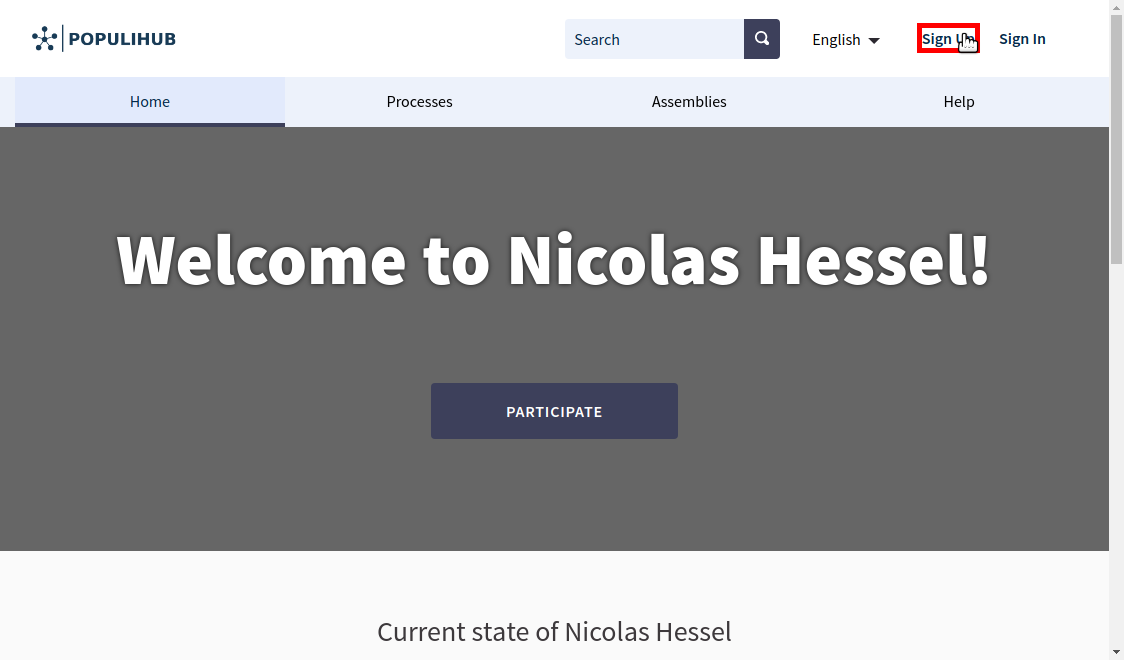
Registering is done from the "Sign up" -link which is found from the top of the page. This link is highlighted in the image below.
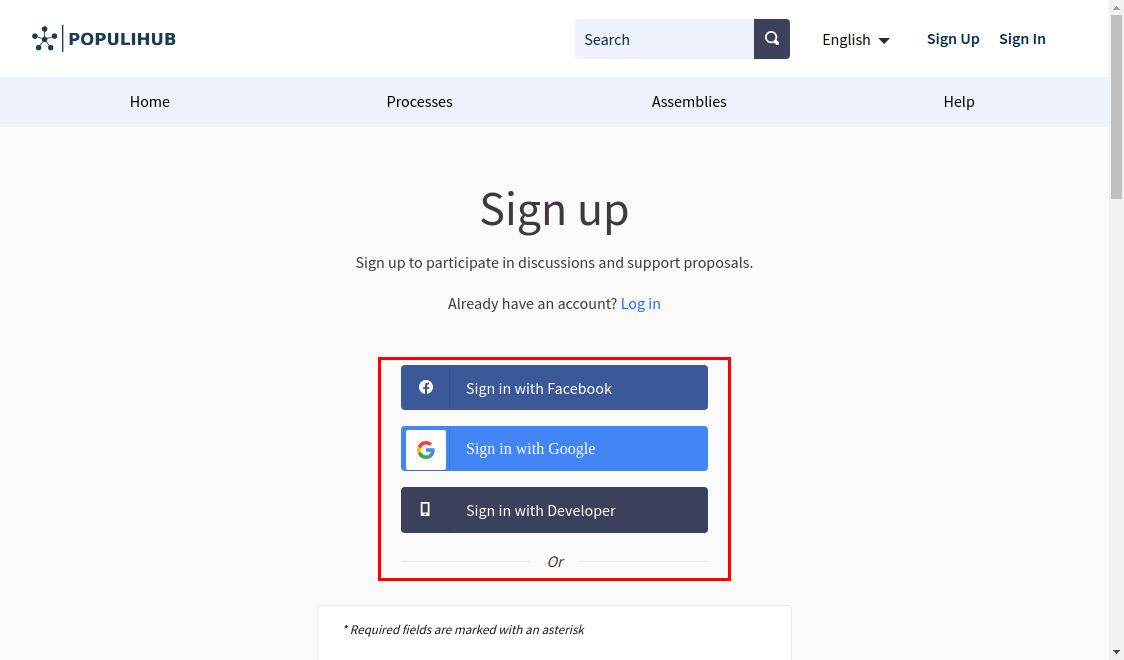
You can register to the platform by either creating a personal account manually, or using a Facebook- or Google -account.
Registering is possible as a private user or a organization. Using a third party service to register, such as Facebook- or Google -account, the registration is done as a private user.
Private user's account is intended for a specific user, whose intention is to participate in the area's decision making or to share their thoughts. With the private account, the system identifies the user, links it to the personal information and gives the user the possibility to use the system's features.
An organization account is meant to be used by a group or an organization on a specific area. Practically this account is meant for collaborative use in the specific organization, if the users want to use the system under the name of the organization. The organization username itself is linked to the organization's information, but a system admin can, if necessary, access the users linked to the organization and for example remove them if a person in charge for example quits working for the organization. An admin can also add new users to the organization.
When adding new content to the system, the organization users can choose, if they want to add the content under their own name, or the organization's name.
From the system's and admin's point of view, organizations are shown as user groups in the dashboard. At the moment managing an organization happens manually by the admin.
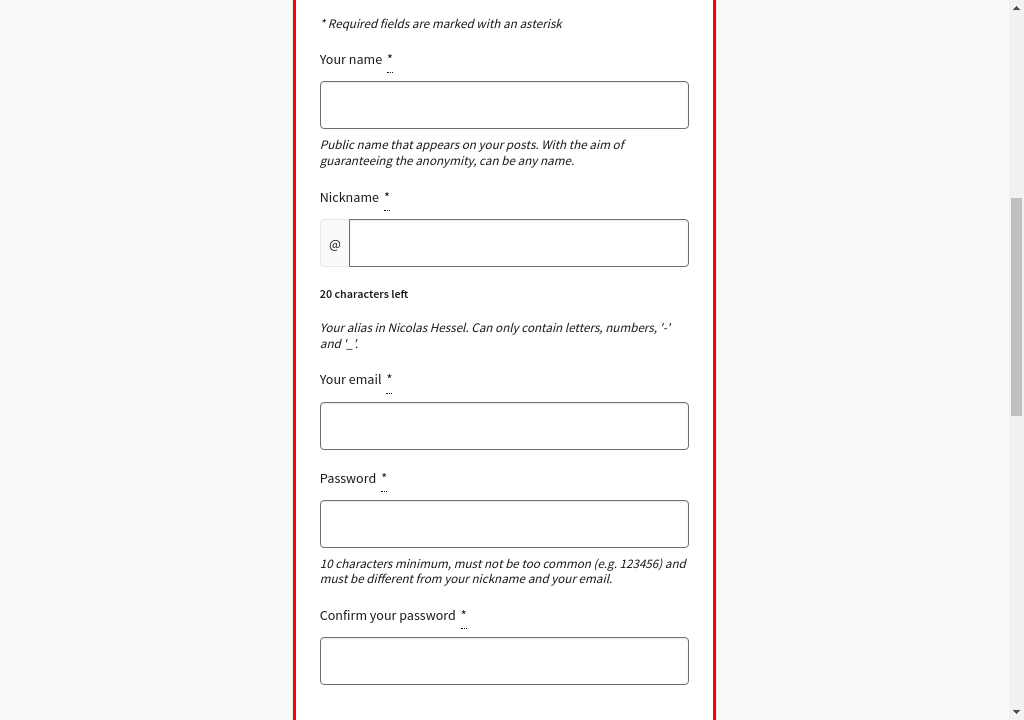
When registering, the user needs to give their name and email to the system (presented in the first image below). If the registration is done with Facebook- or Google -account (presented in the second image below), the system can usually access this information from the service. After registering through a third party service, the user needs to check the given information is correct.
As an organization you can only register through the registration form. For organizations the following additional information must be provided:
Organization document number is a distinctive identifier, which can be used to officially authenticate the organization. For example for a company this can be a business ID and for association this can be a business ID or a legal entity identifier, depending on the type of the association. For other organizations the identifier has to be something unique, which differentiates them from other organizations, because multiple organizations cannot be registered with the same identifier.
Organization phone number is essential, if for example changes happen inside the organization, like a new member should be added. With the phone number an admin can be in contact with the organization.
All-in-one digital platform for all your participation needs. Easy-to-use and reliable, so you can spend more time engaging with people.

Mainio Tech provides modern, effective solutions for participation and collective decision-making. We are a team of participation experts at your service!